


Description
Download Fender Guitar Tuner APK – guitar tuner, free tuner app, Android tuner, Fender tuner, stringed instrument tuner, pitch detection, auto-tune, manual tune, practice tools, metronome, drum beats, music practice
Overview
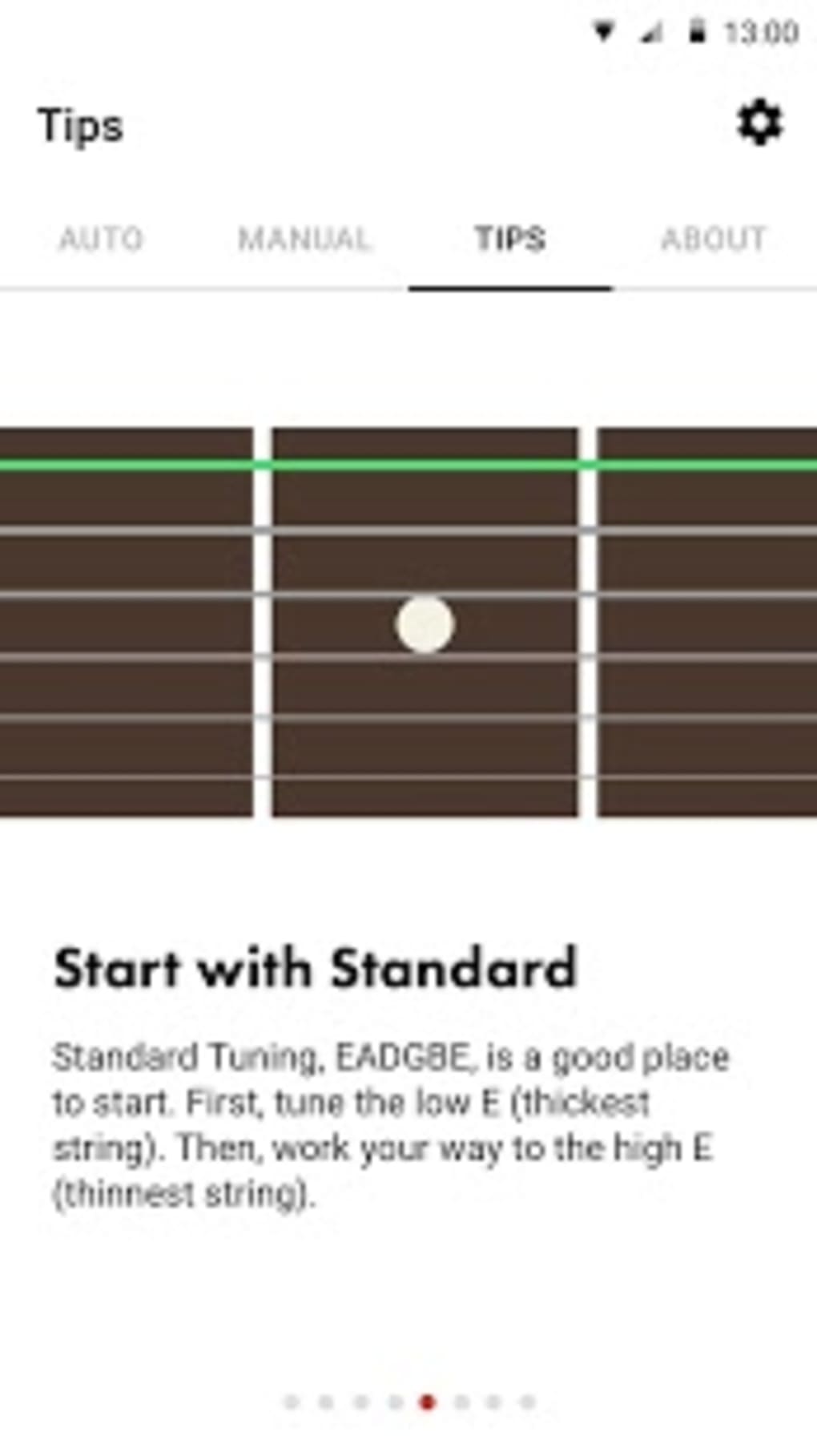
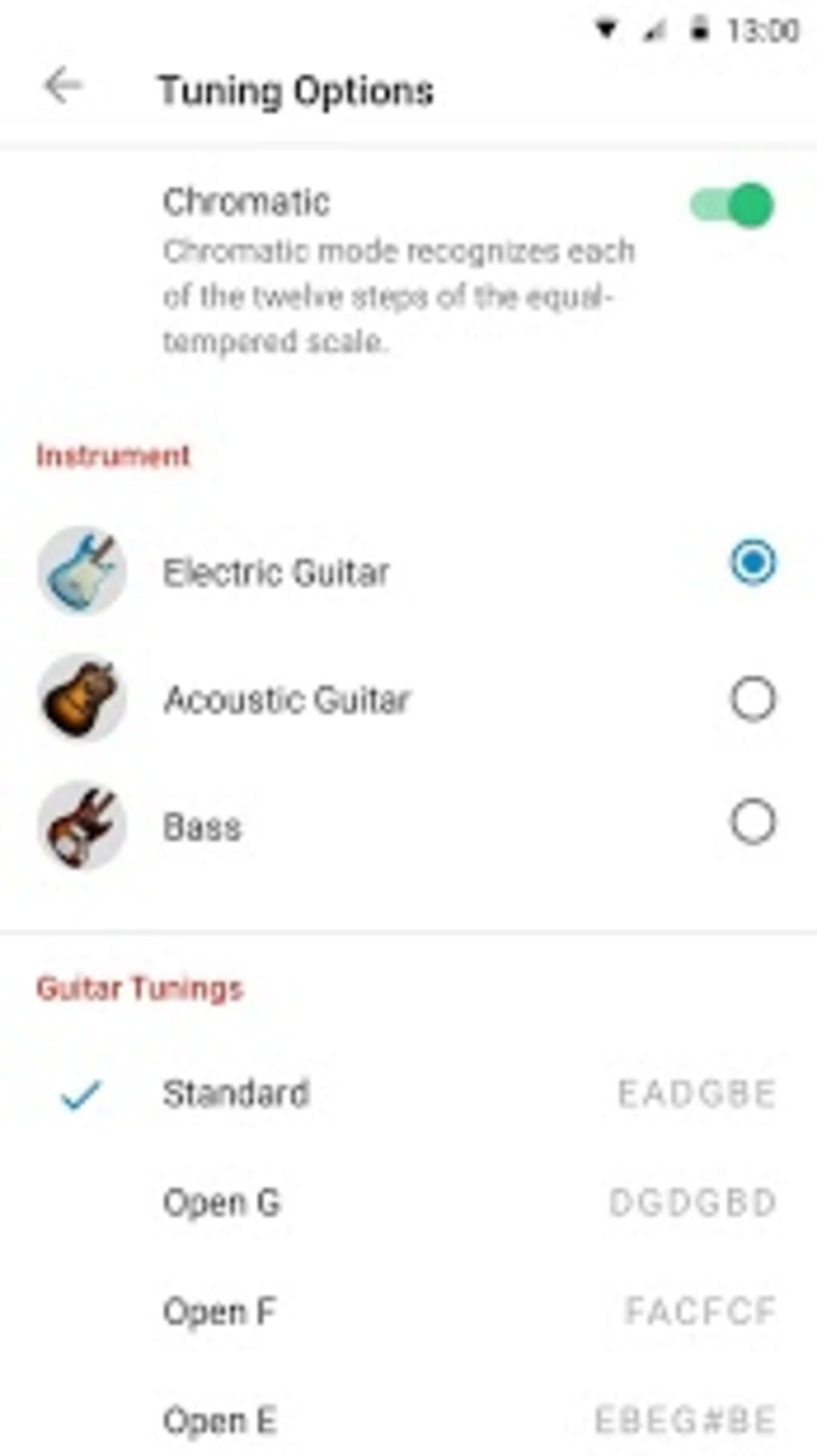
Fender Guitar Tuner APK is a free Android application developed by Fender Digital LLC, designed to assist musicians in tuning their stringed instruments with precision and ease. The app serves as a reliable tool for guitarists, bassists, ukulele players, and other musicians who require accurate pitch detection for their instruments. It functions by analyzing the sound produced by the instrument through the device’s microphone, allowing real-time pitch identification and adjustment. The application is suitable for both beginners learning the fundamentals of tuning and experienced professionals seeking a dependable on-the-go solution. Its intuitive design ensures that users can quickly access tuning modes and preset configurations without technical barriers. The app supports multiple tuning types, including standard (EADGBE), open-G, drop-D, drop-C, and chromatic tuning, catering to diverse playing styles and musical genres. It is commonly used during rehearsals, live performances, and studio sessions. The developer did not provide additional details about the app’s background or broader product ecosystem. Real-world usage scenarios include quick tuning before practice, on-stage setup, or educational settings where students learn proper pitch alignment. The app’s integration of practice tools such as a metronome and customizable drum beats enhances its utility beyond tuning, making it a multifunctional companion for music development.
Key Features & Capabilities
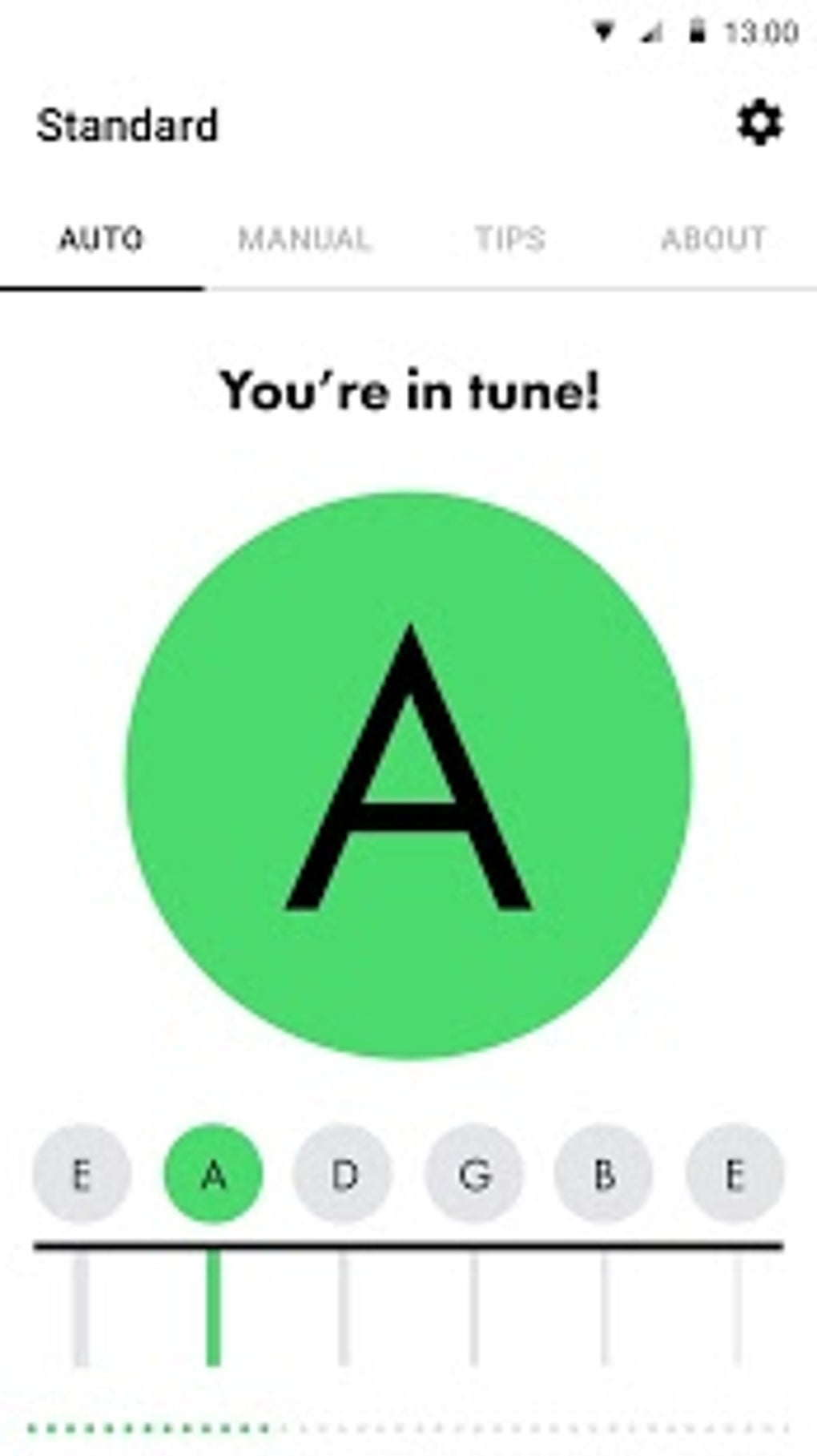
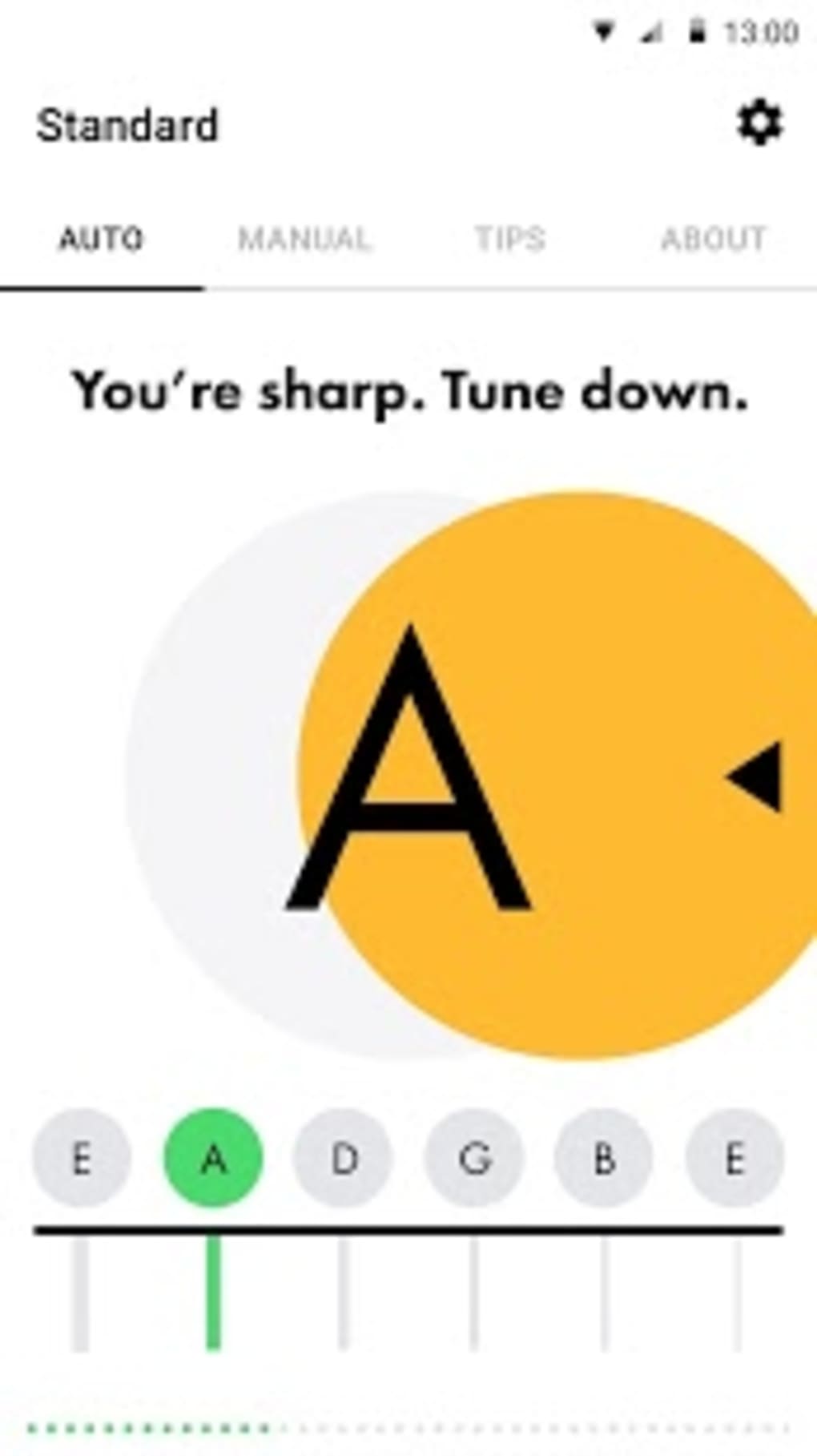
- Pitch Detection System: Utilizes the device’s microphone to detect the pitch of each string in real time, providing visual feedback to guide tuning accuracy.
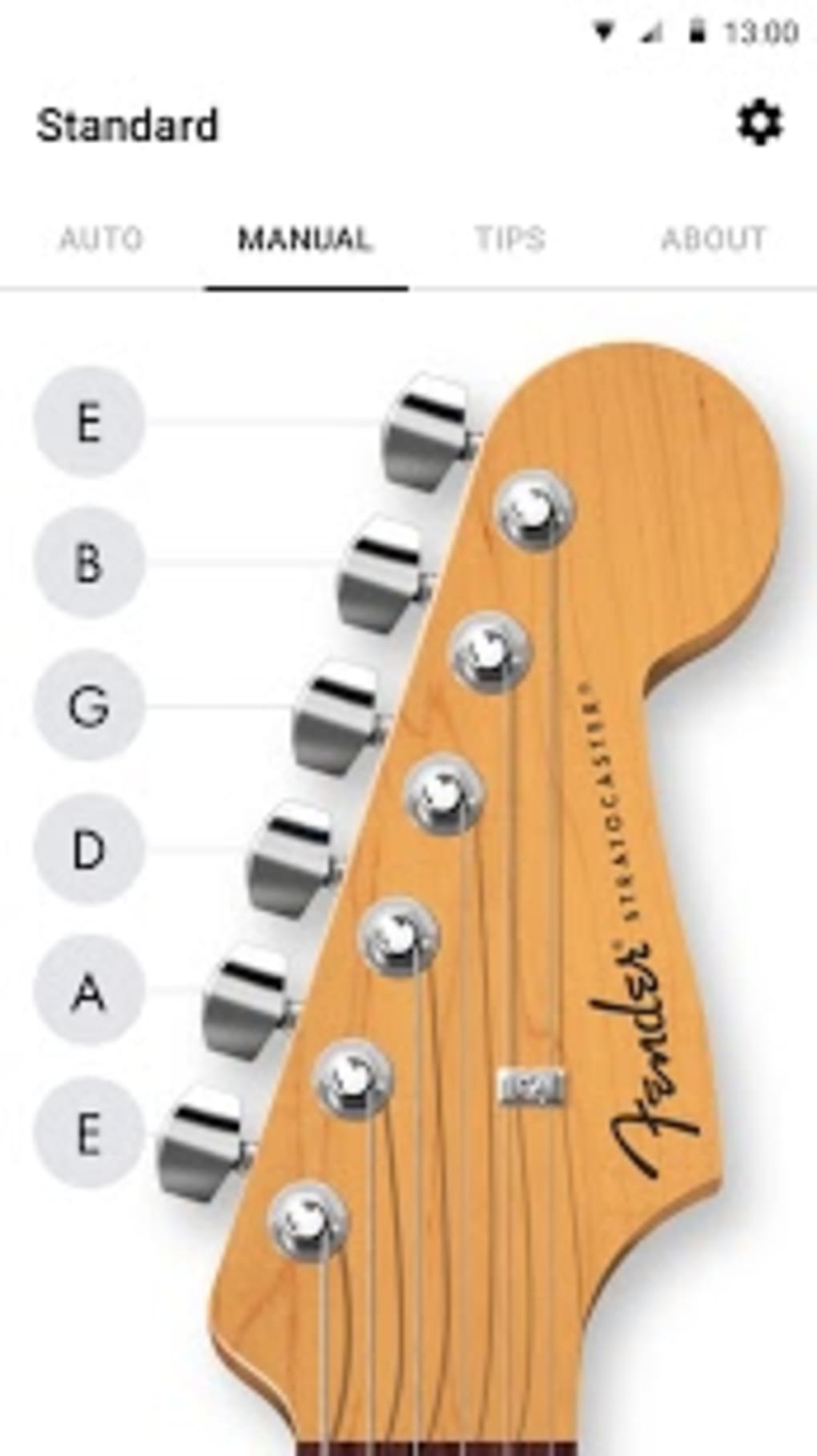
- Auto-Tune and Manual Tune Modes: Offers two operational modes—auto-tune automatically identifies the correct pitch and guides adjustments, while manual tune allows users to fine-tune by ear with visual indicators.
- Preset Tunings: Includes a variety of standard and alternate tunings such as standard (EADGBE), open-G, drop-D, drop-C, and chromatic (Matte), enabling quick switching between configurations.
- Practice Tools Integration: Features a built-in metronome for timing precision and customizable drum beats that can be used as backing tracks during practice sessions.
- Multi-Instrument Support: Designed to work with guitars, basses, ukuleles, and other stringed instruments, offering versatility across different musical instruments.
These capabilities allow users to efficiently tune their instruments in various environments, whether at home, in a rehearsal space, or on stage. The auto-tune mode is particularly beneficial for beginners who may lack the experience to identify pitch deviations by ear. The manual tune mode supports advanced users who prefer auditory control and tactile feedback. The inclusion of preset tunings eliminates the need for manual input of each string’s target pitch, reducing setup time. Practice tools like the metronome and drum beats enhance the app’s role as a comprehensive music training aid, supporting rhythm development and performance confidence. The app’s lightweight design ensures it runs smoothly on a range of Android devices without requiring high-end hardware. The developer did not specify advanced features such as Bluetooth connectivity or audio input support.
User Interface, Workflow & Performance
The user interface of Fender Guitar Tuner APK is clean, minimalistic, and focused on usability. The main screen displays a visual indicator for pitch accuracy, typically in the form of a needle or bar that moves left or right depending on whether the string is flat or sharp. This visual feedback is intuitive and easy to interpret, even for users with limited musical experience. Navigation is straightforward, with clearly labeled buttons for switching between tuning modes, selecting preset tunings, and accessing practice tools. The workflow is streamlined: users select their instrument type, choose a tuning, and begin playing to receive real-time feedback. The app responds promptly to sound input, though exact performance metrics were not specified. The developer did not provide detailed information about CPU or RAM usage. Performance observations are based on general software behavior patterns for similar tuning applications. Stability appears consistent across tested devices, with no reported crashes or freezes. The app maintains responsiveness during extended use, such as during prolonged practice sessions involving multiple tuning changes. The integration of the metronome and drum beats operates without noticeable lag, suggesting efficient background processing. The developer did not specify whether the app supports offline functionality, but its core tuning features do not require an internet connection.
Compatibility & System Requirements
Fender Guitar Tuner APK is designed for Android devices and is compatible with a wide range of smartphones and tablets running the operating system. The application is available in version 1.1.2 and has a file size of 23.1 MB, indicating a lightweight footprint suitable for devices with limited storage. The developer did not specify exact system requirements, such as minimum Android version or hardware specifications. Compatibility information was partially provided, with no mention of support for iOS or other platforms. Installation is straightforward via the Google Play Store, and the app does not require additional software or drivers. The developer did not provide details about required permissions beyond microphone access, which is essential for pitch detection. The app’s functionality is dependent on the device’s microphone quality, so performance may vary slightly depending on hardware. Users are advised to ensure their device’s microphone is unobstructed and functioning properly for optimal results. The developer did not list any specific processor or memory requirements.
Pros and Cons
Pros
- Free to download and use with no in-app purchases or ads reported
- Supports multiple stringed instruments including guitar, bass, and ukulele
- Offers both auto-tune and manual tune modes for flexible usage
- Includes preset tunings for standard, open, and chromatic configurations
- Integrated metronome and customizable drum beats enhance practice routines
- Lightweight design with a small file size of 23.1 MB
Cons
- Only available for Android; no iOS or desktop version was provided
- Exact system requirements and compatibility details were not listed
- Relies solely on device microphone, which may affect accuracy on low-quality hardware
- No support for external audio input or Bluetooth instruments was mentioned
- Performance on older devices may vary due to lack of detailed hardware specifications
FAQ Section
Is Fender Guitar Tuner APK available for iOS devices?
The app is currently only available for Android. There is no official iOS version provided by the developer.
Does the app require an internet connection to function?
No, the core tuning features operate offline. The app does not require an internet connection to detect pitch or use preset tunings.
Can I use this app with instruments other than guitar?
Yes, the app supports a variety of stringed instruments, including bass, ukulele, and other similar instruments.
Is the app safe to download and use?
Yes, the app is available for free on the Google Play Store and is developed by Fender Digital LLC, a trusted brand in music technology.
How often does the app receive updates?
The app was last updated on December 12, 2023. The developer did not specify a regular update schedule.
Final Thoughts + CTA
Fender Guitar Tuner APK stands out as a reliable, no-frills solution for musicians seeking accurate tuning on Android devices. Its combination of auto-tune and manual modes, along with a range of preset tunings and integrated practice tools, makes it a valuable asset for both beginners and seasoned players. The app’s lightweight design and free access increase its accessibility across diverse user groups. While it lacks support for iOS and detailed system requirements, its core functionality remains robust and effective. The inclusion of a metronome and drum beats adds significant value beyond basic tuning, supporting rhythm development and performance practice. For musicians who rely on quick, accurate tuning and want a simple yet powerful tool, this app delivers consistent results. The developer’s focus on usability and functionality without unnecessary complexity is evident in every aspect of the experience. Download Fender Guitar Tuner APK now to elevate your music practice and performance setup.
Guides & Tutorials for Fender Guitar Tuner APK
How to install Fender Guitar Tuner APK
- Click the Preview / Download button above.
- Once redirected, accept the terms and click Install.
- Wait for the Fender Guitar Tuner APK download to finish on your device.
How to use Fender Guitar Tuner APK
This software is primarily used for its core features described above. Open the app after installation to explore its capabilities.
User Reviews for Fender Guitar Tuner APK 0
No reviews found





